These POS software features work together in one app. From the first bill of the morning to the profit report at night, theDukanPOS gives you the tools to sell faster, control stock and get paid on time.
From PKR 2,500/mo · USD $10/mo
Every feature below is part of the theDukanPOS platform. Click any one for details.
Fast counter billing and professional invoices.
Live stock levels, purchases and reorder visibility.
Digital udhaar records and customer balances.
Qist schedules, due dates and recovery follow-up.
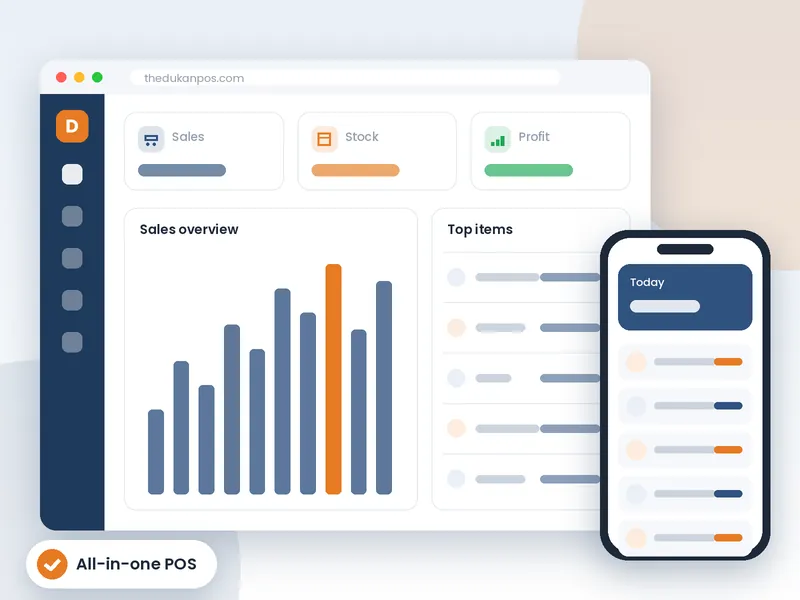
Sales, profit and stock reports on any device.
Scan to bill and print barcode labels for your items.
Run several shops or warehouses from one account.
Your business in your pocket, wherever you are.
Use theDukanPOS in Urdu or English.
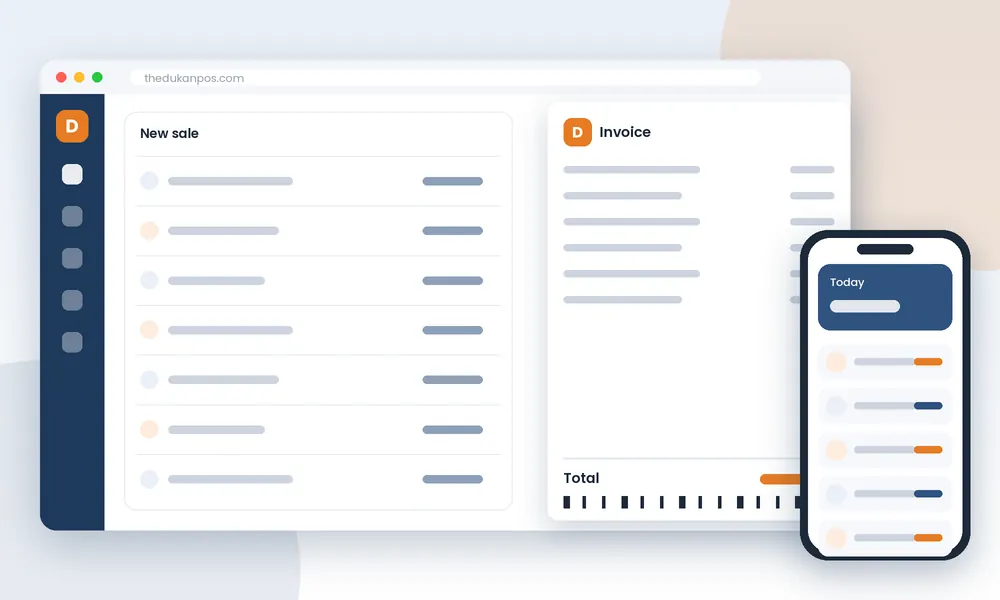
A point of sale system is more than a billing screen. The real value comes when billing, stock and customer accounts are connected, so one action updates everything that depends on it.
When a cashier makes a bill in theDukanPOS, the items leave your inventory, the sale appears in your reports, and if the customer is paying later, the amount is added to their khata. Nobody needs to copy figures from one register to another, which is where most mistakes happen.
Record purchases from suppliers and your stock goes up automatically. Over time you build a clear picture of which items sell fast, which sit on the shelf, and when to reorder.
Udhaar is a fact of life in Pakistani retail. theDukanPOS lets you sell on credit with a record for every customer, and if you sell on qist, the installment tracking feature handles schedules and recovery.
Print barcode labels for products that do not come with one, then scan at the counter to bill in seconds and avoid wrong prices.
When you open another shop, add it as a branch in the same account and see each location’s sales and stock separately or together.
Switch the interface to Urdu for staff who prefer it, and use the mobile app to check the business when you are away from the counter.
Features are the foundation; add-ons shape theDukanPOS around how your business works.
For distributors and bulk sellers.
For qist businesses.
For repair and service work.
Coming soon - join the waitlist.
Yes. Stock is updated automatically as you sell and purchase, and you can see stock levels and reports at any time.
Yes. theDukanPOS supports barcode printing for your products, as well as barcode scanning at the counter.
Yes, the interface is available in Urdu and English.
Yes, theDukanPOS has a mobile app so you can manage your business from your phone.
Try every feature free for 15 days. Questions? Call or WhatsApp 0312 7032292 and talk to a real person.
