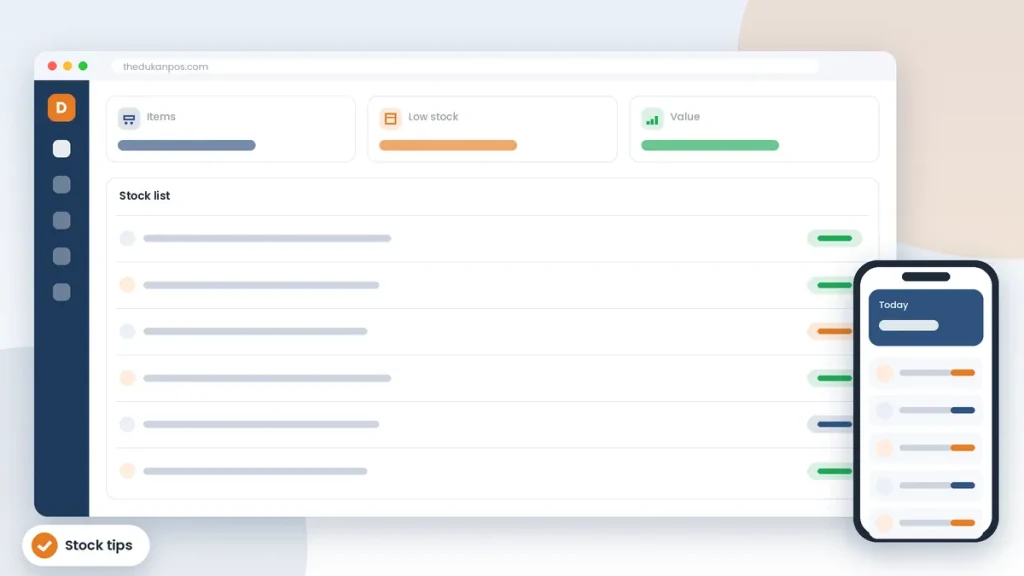
These stock management tips are written for small shops. For most small shops, stock is the biggest investment in the business. It is also where money quietly disappears. Items expire at the back of a shelf, popular products run out on the busiest day, cash is tied up in goods that never sell, and small losses from mistakes or theft go unnoticed for months.
Good stock management does not require a big warehouse system. It is mostly a set of habits. This guide covers practical tips that any shop owner in Pakistan can start using this week, whether you use a notebook, a spreadsheet or POS software.
1. Know what you have: start with a proper count
You cannot manage what you have not measured. Choose a quiet day, or close an hour early, and count everything. Write down each item, the quantity and the price you paid. It is tedious the first time, but it gives you a baseline. Without it, every other number is a guess.
Tip: count by section (for example, one shelf or one category at a time) and have one person count while another writes. Mark each section as done so nothing is counted twice.
2. Record every purchase
Stock goes up when you buy. If purchases are not recorded, your records will always show less than what is on the shelf, and you will lose track of what you paid. Keep every supplier bill and enter it, with quantities and cost prices, the same day.
This also helps when you negotiate. If you know how much you buy from a supplier each month, you are in a better position to ask for a better rate or credit terms.
3. Record every sale, including small ones
In a busy shop it is tempting to skip writing small sales. But a hundred small sales a day is a lot of stock. If sales are not recorded, you cannot know what should be on the shelf. This is where a POS helps most: when every bill is made in the system, stock reduces automatically.
4. Set reorder levels for your top items
Every shop has a group of products that sell every day. Running out of these costs you sales and sends customers to the shop next door. For each top item, decide a minimum quantity. When stock falls below that number, reorder. Base the number on how quickly the item sells and how long your supplier takes to deliver.
A simple rule: reorder level = average daily sales × supplier delivery days, plus a small safety margin for busy periods like Ramzan or Eid.
5. Find your slow-moving stock
Slow stock is cash sitting on a shelf. Once a month, look at items that have not sold in 60 or 90 days. Decide what to do with each: move it to a more visible spot, bundle it with a popular product, offer a discount, return it to the supplier if possible, or simply stop reordering it.
Reducing slow stock frees up money to invest in items that actually sell.
6. Watch expiry dates
For groceries, cosmetics, medicines and food items, expiry is a real cost. Use the “first in, first out” principle: place new stock behind older stock so the older items sell first. Check expiry dates during regular counts and move items that are close to expiry to the front.
7. Do small, regular spot checks
A full count is hard to do often. Instead, pick five or ten items each week and count just those. Compare the count with what your records say. If the numbers match, good. If they do not, you have found a problem early, whether it is a recording mistake, a supplier short-delivery or theft.
8. Reduce shrinkage
Shrinkage is the stock you lose without a sale: theft, damage, mistakes and supplier errors. Some practical steps:
- Check deliveries against the supplier bill before signing.
- Keep high-value, small items near the counter or in a locked display.
- Use fixed prices from a system rather than handwritten tags that can be changed.
- Give each staff member their own login in your POS so you can see who did what.
- Investigate differences found in spot checks quickly.
9. Organise the shelves
A well-organised shop is easier to count, easier to restock and easier for customers to buy from. Group similar products, label shelves and keep a fixed place for each item. When everything has a place, empty spaces show you instantly what needs reordering.
10. Use barcodes
Barcodes make billing faster and more accurate, which makes your stock records more accurate too. Packaged products usually have a barcode. For loose or packed-in-store items, print your own labels. Read more about barcode billing and label printing.
11. Review stock reports monthly
Set a fixed day each month to look at your numbers: total stock value, best-selling items, slow items and items that frequently run out. Over time, this monthly review will change what you buy and how much cash you need to keep the shop running.
12. Keep stock and credit together
In many Pakistani shops, goods leave on credit. If udhaar is recorded in a separate notebook, stock and money records drift apart. Recording credit sales in the same system as stock, as theDukanPOS does with its digital khata, keeps both accurate.
13. Agree clear terms with suppliers
Many stock problems start at the supplier. Agree delivery days, minimum order quantities and how returns of damaged or expired goods will be handled. Keep a simple record of each supplier, what you buy from them and what you owe. When a supplier is consistently late or short, you will have the records to discuss it or to switch.
14. Plan for seasons and festivals
Demand in Pakistan changes sharply around Ramzan, Eid, school openings, weddings and summer or winter. Look at what sold in the same period last year and order early, before suppliers run short. Equally, avoid holding large quantities of seasonal stock after the season ends; plan clearance before demand drops.
15. Keep cash and stock in balance
Buying too much stock can leave you without cash for rent, salaries or a good deal from a supplier. Buying too little loses sales. A useful habit is to compare your stock value with your monthly sales: if stock keeps growing while sales stay flat, you are tying up cash that the business needs elsewhere.
Notebook, spreadsheet or POS?
A notebook works for very small shops but becomes unreliable as the number of items grows. Spreadsheets are better, but they rely on someone entering every sale and purchase, and they are easy to get wrong. A POS system records stock changes as a side effect of normal work: you make a bill, stock goes down; you record a purchase, stock goes up.
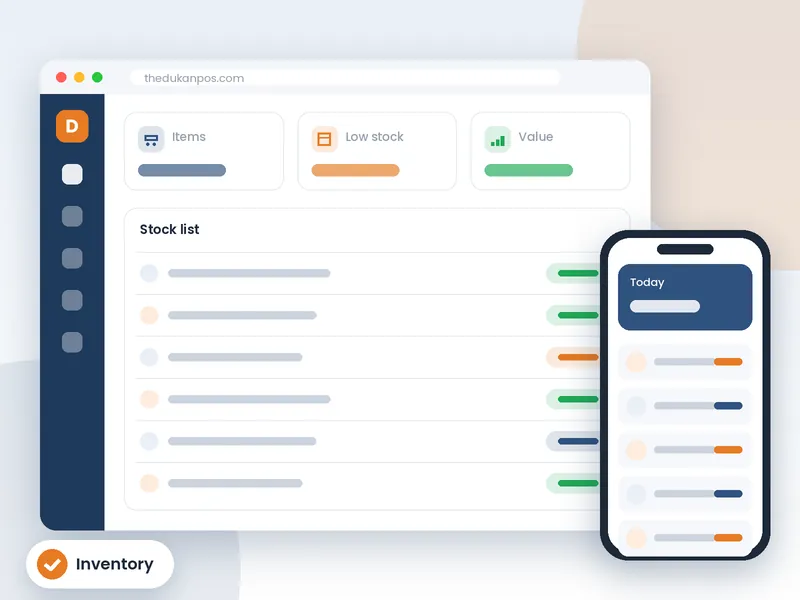
theDukanPOS includes inventory management connected to billing, purchases and reports, with multi-branch support if you have a godown or more than one shop. It runs in the cloud, so you can check stock from your phone.
A simple weekly routine
- Daily: record all sales and purchases; check deliveries against bills.
- Weekly: spot-check five to ten items; review items below reorder level and place orders.
- Monthly: review slow-moving and expiring stock; look at best sellers; adjust reorder levels.
- Yearly or half-yearly: do a full count.
Stock management is not about perfection. It is about noticing problems early and making better buying decisions. Start with one or two of these habits and build from there.