
Search for “best POS software in Pakistan” and you will find dozens of companies, each claiming to be number one. The truth is that there is no single best POS for every business. The best POS for a kiryana store in Multan is not the best POS for a garments wholesaler in Faisalabad or a salon in Islamabad. What matters is choosing the software that fits how your business actually works, at a cost that makes sense.
This guide explains what a POS system does, the features that matter most for Pakistani businesses, how pricing models differ, and a checklist of questions to ask any vendor before you pay. We make theDukanPOS, so we will tell you where we fit, but the checklist works for any provider.
What is POS software?
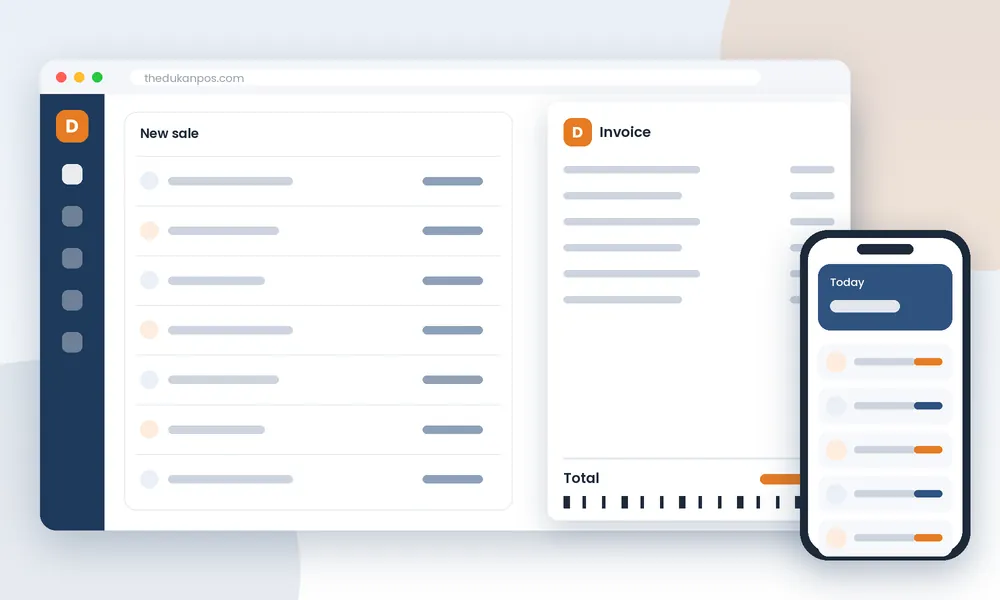
POS stands for point of sale: the moment and place where a customer pays you. POS software started as a digital cash register, but modern systems do far more. A good POS records every sale, updates your stock, keeps track of customers who buy on credit, and turns all of that into reports that show how your business is doing.
For a Pakistani shop, a POS typically replaces several separate tools: the bill book, the stock register, the khata notebook for udhaar, and the calculator used at the end of the day. The benefit is not just speed; it is that all of these records are connected and consistent.
The features that matter most in Pakistan
1. Fast, simple billing
Your cashier will use the billing screen hundreds of times a day. If it takes too many clicks, queues form and staff find ways to avoid the system. Look for item search by name, barcode scanning, quick quantity changes and discounts, all on one screen. Ask the vendor to show you how long it takes to make a bill with five items.
2. Inventory that updates automatically
The single biggest reason to use a POS is to know your stock. Sales should reduce stock and purchases should increase it without anyone typing figures twice. Check that you can see current stock, record purchases from suppliers and identify items that are running low.
3. Khata and customer credit
Udhaar is part of retail culture in Pakistan. Many families pay at the end of the month, and many wholesalers supply shops on account. A POS without customer credit forces you to keep a separate khata, and the two will never match. Make sure credit sales go directly into a customer ledger and that you can record partial payments.
4. Urdu interface
Many shop staff are more comfortable reading Urdu than English. An Urdu interface reduces training time and mistakes, and it makes it more likely that the software will actually be used after the first week.
5. Support for your business type
A simple retail POS is not enough for every business. Installment sellers need qist schedules and recovery lists. Wholesalers need party ledgers and customer-wise rates. Salons and clinics need bookings. Repair shops need job records that combine labour and parts. If your business has any of these needs, check that the POS handles them inside the system rather than in a spreadsheet on the side.
6. Reports you can read on your phone
Owners are not always at the counter. Being able to open daily sales, profit and outstanding credit on a phone changes how you manage the business. Ask what reports are available and whether they work on mobile.
7. Room to grow
If you might open a second branch, add a godown or hire more cashiers, check that the POS supports multiple branches and user accounts without having to buy a new system.
Cloud POS vs desktop POS
Traditional desktop POS software is installed on one computer at the shop. Data lives on that machine, so if it breaks, is stolen or gets a virus, your records can be lost unless you have backups. Accessing data from home usually requires extra setup.
Cloud POS runs online. You log in through a browser or app, and data is stored on remote servers. You can check the business from anywhere, add branches easily and avoid buying a server. The trade-off is that a cloud POS needs an internet connection. In Pakistan, where power cuts and connectivity issues happen, many cloud POS users keep a mobile hotspot or a UPS-backed router as backup.
Neither model is automatically better. Ask yourself how reliable your internet is, whether you need remote access, and how important it is that your data survives a hardware failure.
Understanding POS pricing in Pakistan
POS prices in Pakistan are hard to compare because vendors use different models:
- One-time license: a larger upfront payment, often per computer, sometimes with yearly maintenance or support fees on top.
- Monthly subscription: a smaller monthly fee that usually includes updates and hosting. Common for cloud POS.
- “Free” POS: free basic versions that charge for important features, limit the number of products or bills, or rely on advertising.
To compare fairly, calculate the total cost over two or three years, including setup, extra users or branches, add-on modules, support and hardware. A low headline price can become expensive once the features you need are added.
Hardware: what you actually need
Most modern POS systems run on ordinary hardware. To start, you need a computer, laptop or, for some systems, a smartphone or tablet. Optional extras include a barcode scanner, a receipt printer and a barcode label printer. Before buying hardware, ask the vendor which devices they support so you do not buy something incompatible.
Compliance and integrations: ask clearly
Some businesses have legal requirements, such as tax system integration for certain categories of retailers, or need integrated digital payments. Requirements and vendor support vary, so ask every vendor directly what they support today, not what is “coming soon”, and confirm your own obligations with a qualified tax adviser. For transparency: theDukanPOS does not currently offer FBR integration, payment gateway integration or offline billing.
Questions to ask before you buy
- Can I try it free with my own products before paying?
- What is the total cost per year, including add-ons, users and branches?
- Is there an Urdu interface?
- How are credit sales and customer balances handled?
- Does it support my business type (wholesale, installments, booking, services)?
- Can I see reports on my phone?
- Does it need internet? What happens during an outage?
- What hardware do I need, and is my existing computer enough?
- How do I get support, and in what language?
- What happens to my data if I stop using the software?
Where theDukanPOS fits
theDukanPOS is a cloud POS designed for Pakistani shops and small-to-medium businesses. It includes billing, inventory, digital khata, reports, barcode printing, multi-branch support, a mobile app and an Urdu interface. Add-ons cover retail, wholesale, installments, booking and services, with manufacturing coming soon.
Pricing starts from PKR 2,500 per month, or USD $10 per month internationally, with a 15-day free trial. It is a strong fit if you want affordable cloud software with Urdu and khata, and have a reliable internet connection. It is not the right fit if you need a restaurant POS, offline billing or FBR integration. See our comparison checklist for a side-by-side view.
Final advice
The best POS software is the one your team uses every day. Shortlist two or three options, test each with real products and real sales during a trial, and involve the cashier who will use it most. Pay attention to how the vendor responds when you have a question; that is the support you will get after you pay.