Every sale in theDukanPOS can end with a printed receipt or one shared with the customer. Here is how receipt printing works, what to think about before you buy a POS printer in Pakistan, and how barcode labels fit in.
From PKR 2,500/mo · USD $10/mo
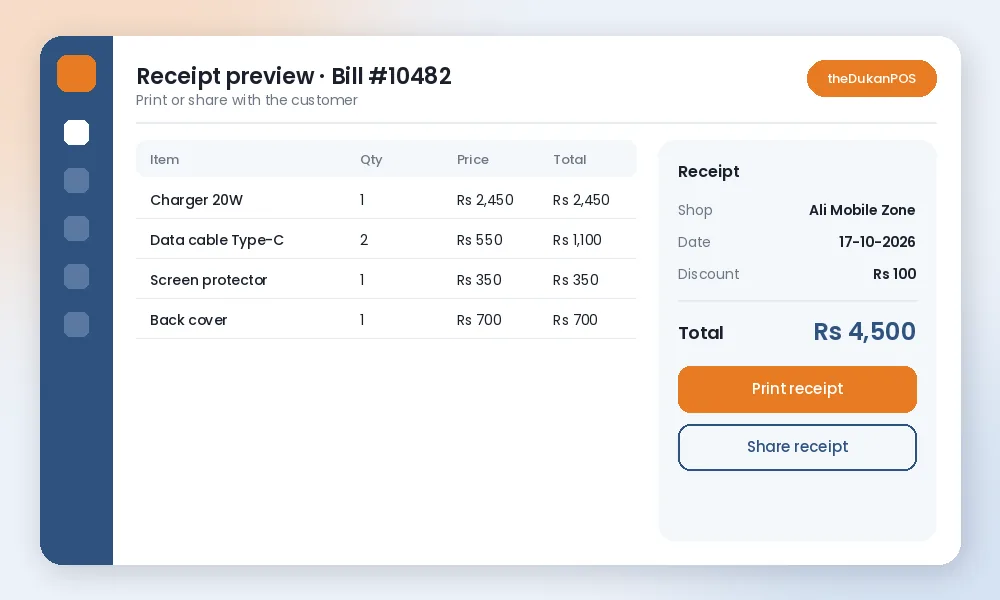
Finish the bill and print a receipt for the customer to take with their goods.
Customers who do not need paper can receive their receipt digitally instead.
Print barcode labels for items without one and scan them at billing to avoid wrong prices.
Each counter or branch can use its own printer while all sales land in one cloud account.
theDukanPOS runs on the computer or laptop you already have; add a printer when you are ready.
Not sure which printer to buy? Ask us on WhatsApp what works best for your counter.
In many Pakistani shops the customer still expects a slip: for exchanges, for warranty claims at a mobile or electronics shop, for an office that reimburses purchases, or simply as proof of what was paid. A clear, printed receipt also protects the shop: the amount, items and date are recorded in the system and on paper.
theDukanPOS lets you print a receipt or share it with the customer, so you can offer whichever suits the sale.
15-day free trial · from PKR 2,500/mo
You do not need special hardware to start with theDukanPOS. A computer, laptop or Android phone with internet is enough to bill. A receipt printer, label printer and barcode scanner are optional upgrades that make a busy counter faster.
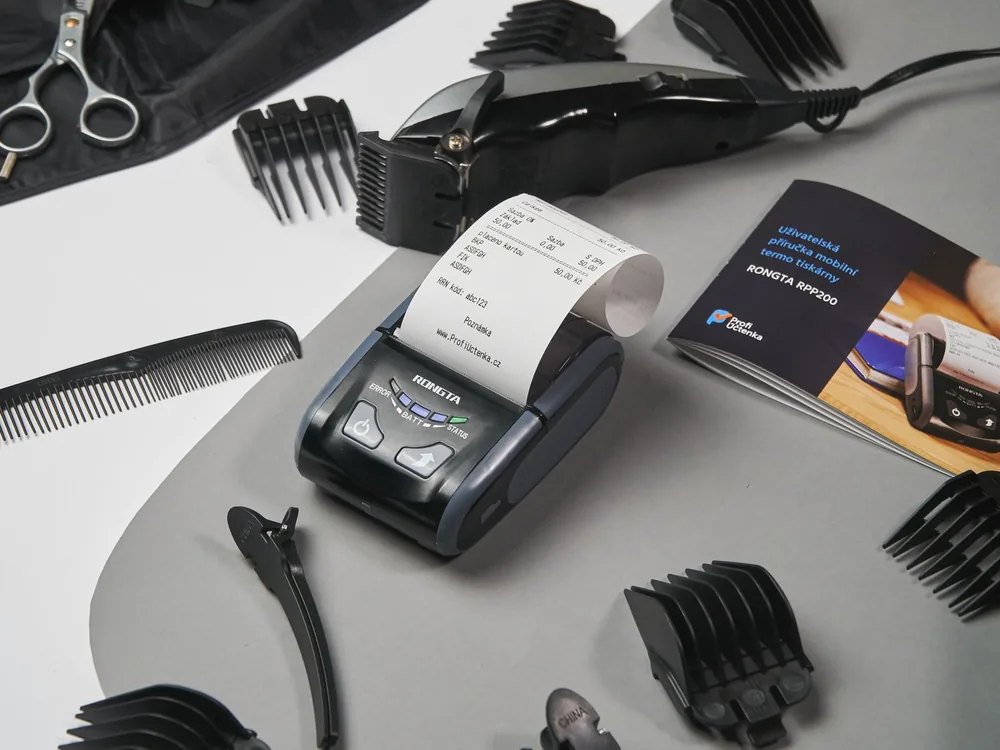
Most shops use a compact receipt printer at the counter. These are widely sold in Pakistan’s computer markets. Before you buy, check how it connects to your computer and message us on WhatsApp with the model you are considering; we will tell you what works best with your setup rather than guessing.
If many of your items arrive without a barcode, such as loose items, garments, fittings or your own packed goods, a label printer lets you print your own barcode labels. Scanning those labels at the counter makes billing faster and keeps prices consistent. See barcode and labels for more.
Not every customer wants a slip. Sharing the receipt instead saves paper and gives the customer a copy they will not lose. Either way the sale is recorded in theDukanPOS and appears in your reports.
A supermarket with three counters or a business with two branches can put a printer at each counter. All of them bill into the same cloud account, so sales from every counter appear together. Read more about multi-branch.
We do not sell hardware ourselves; buy from a supplier you trust and use our team for setup questions during your 15-day free trial.
Yes. You can print a receipt for a sale or share it with the customer.
It depends on your counter and computer. Message us on WhatsApp at 0312 7032292 with the model you are considering and we will advise what works best.
No. You can start billing on a computer, laptop or Android phone with internet and add a receipt or label printer later.
Yes. theDukanPOS can print barcode labels for your items, which you then scan at billing.
Try every feature free for 15 days. Questions? Call or WhatsApp 0312 7032292 and talk to a real person.
