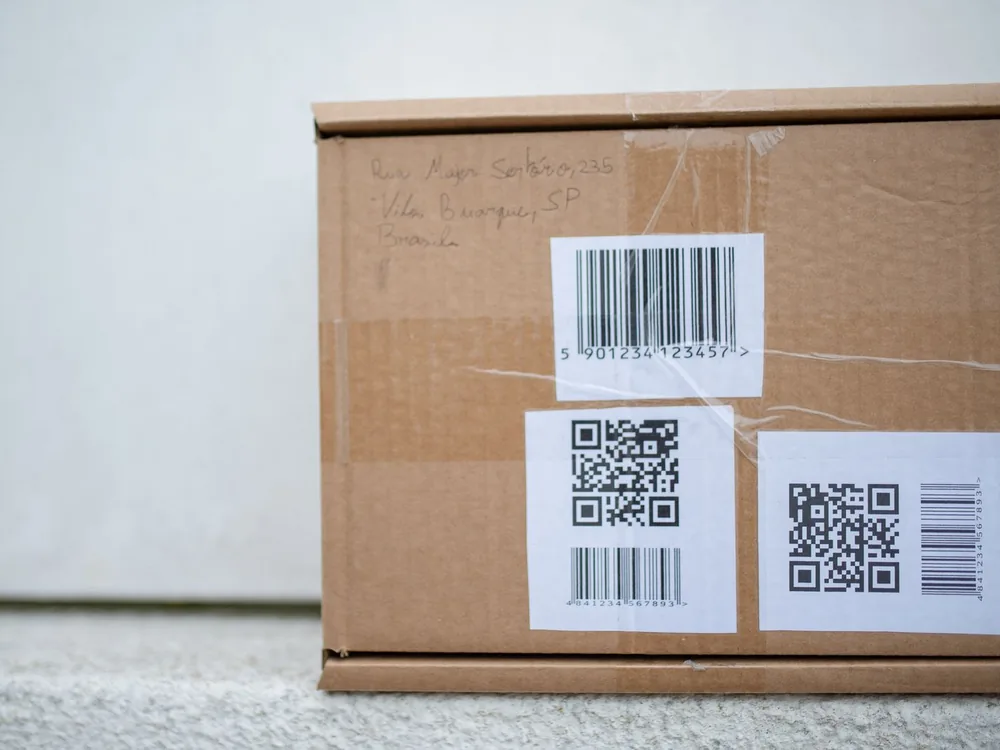
“Barcode kaise banaye?” is one of the most common questions from shop owners who start using a POS. Branded products already carry barcodes, but a lot of what Pakistani shops sell does not: loose rice and daal packed in the shop, unbranded clothing, hardware items, phone accessories from wholesale markets, homemade sweets and bakery items. Without barcodes, billing these items means searching by name or typing prices, which is slow and leads to mistakes.
This guide explains the two kinds of barcodes, which one you need, how to print labels, and what to avoid. It is written for small shops, not factories.
First, decide which kind of barcode you need
There are two very different situations, and confusing them is the most common mistake.
1. Barcodes for products you will sell to other shops (GS1)
If you manufacture or pack a product under your own brand and want to sell it through supermarkets, other retailers or online marketplaces, you need an official, globally unique barcode. These are issued by GS1, the international organisation that manages product barcodes. In Pakistan, GS1 Pakistan issues company prefixes, and Pakistani GS1 barcodes usually start with 896. Large retailers generally require GS1 barcodes because they guarantee that no other product anywhere uses the same number.
Getting GS1 barcodes involves registering your company with GS1 Pakistan and paying their fees. Check GS1 Pakistan’s website for the current process and charges. Do not buy cheap “barcode numbers” from random sellers; big retailers may reject them.
2. Barcodes for use inside your own shop (in-store barcodes)
If you simply want faster, more accurate billing in your own shop, you do not need GS1 registration. You can create your own internal codes and print them on labels. These codes only need to be unique within your shop. GS1 even reserves number ranges for this purpose: codes starting with 20 to 29 are meant for internal, in-store use, so they will not clash with real product barcodes.
This second type is what most kiryana, clothing, hardware, mobile accessory and stationery shops need.
How to create in-store barcodes, step by step
Step 1: List the items that need barcodes
Go through your stock and list items without a manufacturer barcode. Separate items by variant where needed: each size and colour of a shirt, or each weight of a packed product, should get its own code, because it has its own price and stock.
Step 2: Give each item a code
Use a simple numbering scheme. Many POS systems generate codes automatically when you add a product, which avoids duplicates. If you are creating them yourself, keep a list so the same number is never used twice.
Step 3: Choose a barcode format
The most common formats for in-store labels are Code 128, which can hold numbers and letters and is compact, and EAN-13, the 13-digit format used on most retail products. Almost every barcode scanner reads both. If your POS creates labels for you, it will choose a suitable format.
Step 4: Print the labels
You can print barcode labels on:
- A thermal label printer using rolls of sticker labels. This is the most practical option for shops: fast, cheap per label and no ink.
- An ordinary laser printer using A4 sticker sheets. Fine for occasional small batches.
Include the product name and price on the label as well as the barcode, so staff and customers can read it.
Need a few labels right now? Our free barcode generator makes Code 128, EAN-13, UPC-A or QR labels with the product name and price, ready to print on A4 sticker sheets or save as PDF.
Step 5: Stick labels consistently
Put labels in the same place on every similar item, on a flat surface where the scanner can read them easily. Avoid curved edges, seams and spots that get wet or rubbed.
Step 6: Test before you rely on it
Scan a few labels at the counter. Check that the right item and price come up. Test labels on different packaging, since glossy or dark surfaces can be harder to scan.
What you need: a simple setup
- POS or billing software that supports barcodes and label printing.
- A barcode scanner: a basic USB scanner works with most computers; wireless scanners help in larger shops.
- A label printer and label rolls in a size that fits your products.
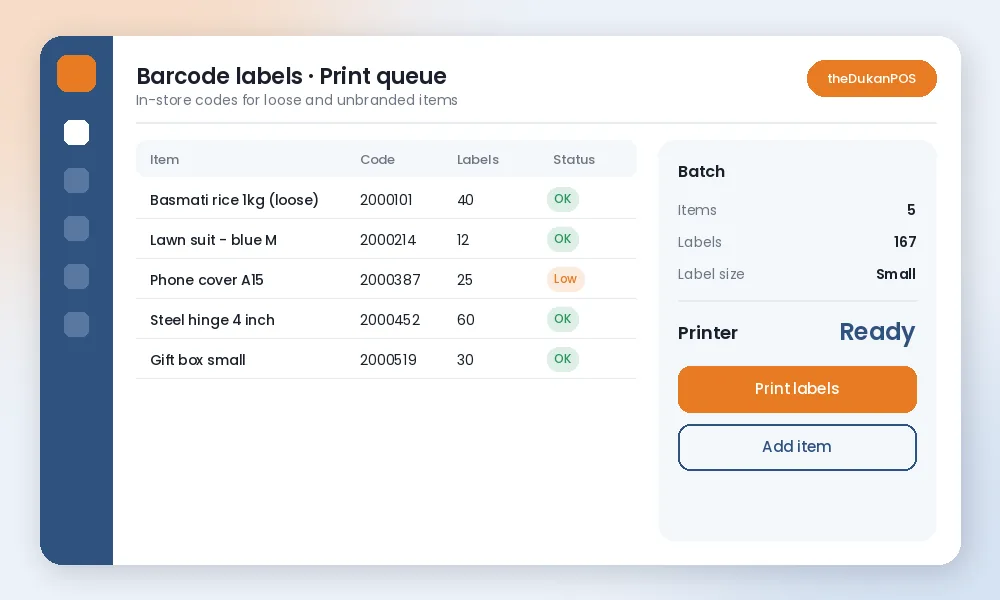
theDukanPOS supports barcode billing and label printing: add a product, generate a code, print labels and scan at the counter. Stock reduces automatically with each scan, so your inventory stays accurate.
Barcodes for loose and weighed items
Items sold by weight, such as loose rice, daal, spices or sweets, are trickier. Simple options for small shops:
- Pre-pack common weights (250 g, 500 g, 1 kg) and give each pack size its own barcode.
- For truly loose sales, create one code per item and enter the quantity or weight at the counter.
Pre-packing also makes billing faster in rush hours and reduces weighing disputes.
Barcodes and stock counts
Barcodes are not only for billing. Once every item has a code, stock counts become faster and more accurate: scan items shelf by shelf instead of writing names by hand, then compare the count with the system. Receiving supplier deliveries also gets easier, because you can scan each item as it arrives and check it against the purchase bill. Over time, this is where barcodes save the most money, by showing exactly where stock is going missing.
Common mistakes to avoid
- Using random numbers that clash with real products. Use your POS’s generated codes or the in-store range so they never match a branded item.
- One code for many variants. If all sizes share one barcode, stock and sales reports become meaningless.
- Labels that peel or smudge. Use good-quality labels; cheap ones can fade or fall off in heat.
- Printing too small. Very small barcodes are hard to scan. Test before printing hundreds.
- Forgetting to update prices. If the price is printed on the label, reprint when the price changes; the barcode itself can stay the same.
- Selling in-store codes to other shops. If you start supplying other retailers, switch to GS1 barcodes.
Is it worth it for a small shop?
For shops with a few dozen items, typing or searching names may be fine. Once you have hundreds of items, many sizes or several people at the counter, barcodes pay for themselves quickly: bills are faster, prices are always right, and stock counts match the system. Read our stock management tips for the next steps, or see how a kiryana store or clothing shop uses barcodes day to day.
Frequently asked questions
Do I need GS1 registration to use barcodes in my shop?
No. For use inside your own shop, you can create internal barcodes with your POS. You need GS1 barcodes only if you sell your own branded products through other retailers or marketplaces.
What do Pakistani barcodes start with?
Barcodes issued through GS1 Pakistan usually start with 896. In-store codes for internal use often start with 20 to 29.
Which printer is best for barcode labels?
For most shops, a thermal label printer with sticker rolls is the most practical: fast, low cost per label and no ink. A laser printer with A4 label sheets works for small batches.
Can theDukanPOS print barcode labels?
Yes. theDukanPOS supports barcode billing and label printing for your own products.