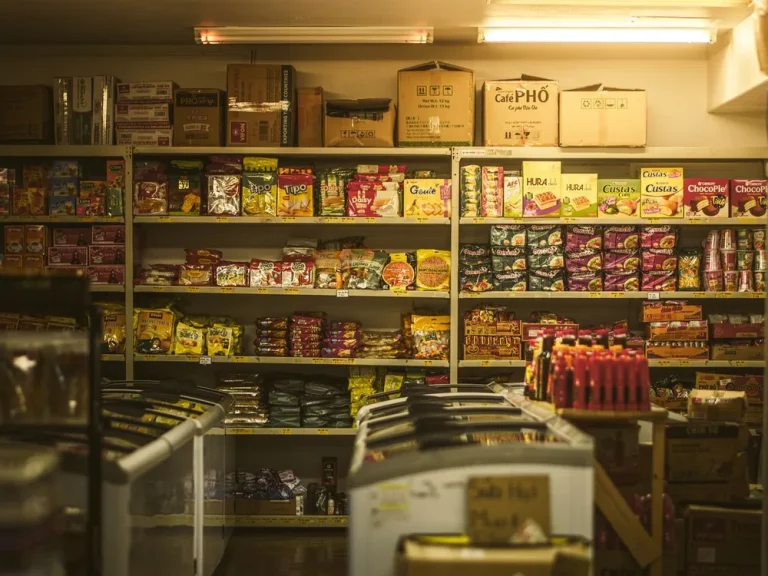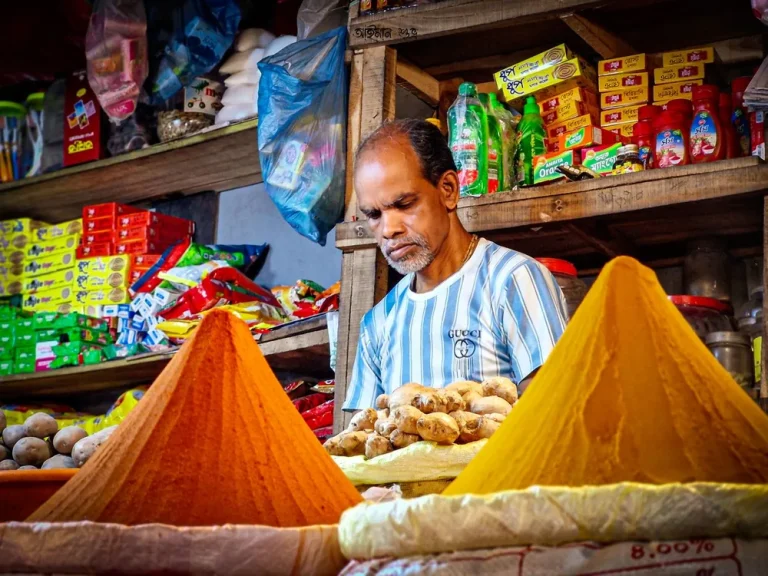
The UAE has tens of thousands of small shops: groceries and baqalas, mobile and electronics shops, textile and tailoring shops, hardware and building material stores, cosmetics and perfume shops. Many are run by owners and staff from Pakistan, India, Bangladesh and the Philippines. Choosing a POS system for such a shop is different from choosing one for a large supermarket chain. You need something simple, affordable and correct on tax invoices, that your staff can actually use.
This guide is a practical checklist for picking a POS system in the UAE as a small business. It is vendor-neutral: use it to compare any system, including ours. Tax rules change, so always confirm current requirements with the Federal Tax Authority (FTA) or your accountant.
1. Start with VAT and invoices
The UAE introduced VAT in 2018 at a standard rate of 5%. If your business is VAT-registered, the invoices you issue must meet FTA requirements for tax invoices, including your Tax Registration Number (TRN), the VAT amount and other details. Ask every POS vendor directly:
- Does your invoice format meet current FTA tax invoice requirements?
- Can it show prices inclusive or exclusive of VAT, and the VAT amount separately?
- Can it produce VAT summary reports for my accountant?
Get the answers in writing. Do not assume that a system built for another country is compliant in the UAE.
2. Ask about e-invoicing plans
The UAE has announced a phased e-invoicing programme for businesses. Requirements, timelines and which businesses are covered may change, so check the latest official guidance from the Ministry of Finance and the FTA. When comparing POS systems, ask each vendor what their plan is for UAE e-invoicing and whether it will cost extra. A vendor that cannot answer clearly is a risk if your business will fall under the rules.
3. Make sure your staff can use it
The best system is the one your counter staff use correctly on a busy evening. In many UAE shops, staff are more comfortable in Urdu, Hindi or English than in Arabic. Check which interface languages a system supports, how many taps a normal bill takes, and whether a new staff member can learn billing in an hour. Ask for a free trial and let your staff bill a few test items before you decide.
4. Check stock management
For most small shops, stock is the largest investment. Look for:
- Stock that reduces automatically when you bill and increases when you record a purchase.
- Low-stock lists so you reorder before running out.
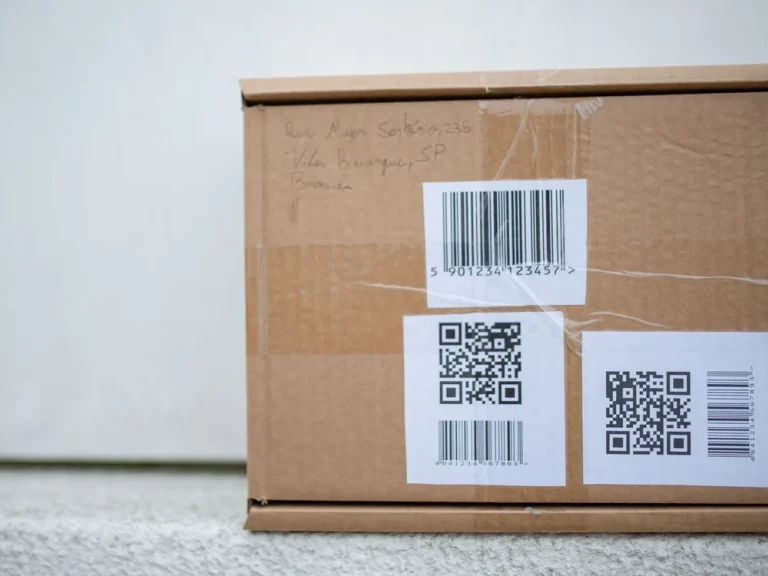
- Barcode scanning and label printing for fast billing.
- Supplier records and purchase history.
Our stock management tips explain the habits that make these features useful.
5. Credit customers and regular accounts
Many small UAE shops give credit to regular customers, nearby businesses or labour camps, settled at month end. A POS with customer accounts (a digital khata) shows each customer’s balance, payments and history, so month-end collection is based on facts rather than memory. See how a khata and credit system works.
6. One shop today, two tomorrow
If you might open a second branch or keep a godown, choose a system that supports multiple branches with separate stock and combined reports. Moving to a new system later is painful.
7. Cloud or installed software
Cloud POS runs in a browser and stores data online, so you can check sales from your phone, even when you are travelling home. Installed software runs on one computer and depends on that machine and its backups. Cloud systems need a reliable internet connection at the counter; ask each vendor what happens if the internet drops, and plan a backup connection such as a mobile hotspot.
8. Payments: know what is and isn’t included
Some POS systems connect directly to card terminals or payment providers; many do not and simply record how the customer paid. Decide whether you need integration or whether a separate card machine is fine for your volume, and ask vendors exactly which providers are supported in the UAE.
9. Compare the real total cost
Look beyond the headline monthly price. Ask about setup fees, per-user or per-branch charges, add-ons, hardware, support and annual increases, and work out the total cost for a year. Cheap systems that charge for every extra feature can end up costing more.
10. Support you can actually reach
When billing stops on a Friday night, you need help quickly. Ask how support works (phone, WhatsApp, email), what hours it is available, and in which languages. Try contacting support during the trial to see how fast they respond.
Common mistakes small shops make
- Buying on price alone. A cheap system that your staff avoid, or that prints incorrect tax invoices, costs more in the end.
- Skipping the trial. Always bill real items for a few days before paying for a year.
- Not entering opening stock properly. If the starting quantities are wrong, every stock report afterwards is wrong too. Count once, carefully, before you go live.
- Sharing one login. Give each staff member their own access so sales and cash differences can be traced.
- Ignoring backups and exports. Ask how you can export your data if you ever change systems.
A quick vendor checklist
- FTA-compliant tax invoices and VAT reports (confirmed in writing)
- A clear answer on UAE e-invoicing plans
- Interface languages your staff are comfortable with
- Stock, barcode, purchases and low-stock alerts
- Customer credit accounts
- Multi-branch support if you may grow
- Transparent yearly cost
- Free trial and reachable support
Where theDukanPOS fits
theDukanPOS is a cloud POS built for small shops, with billing, inventory, barcode labels, purchases, khata (credit) accounts, installments, multi-branch support, reports and a mobile app. The interface is available in English and Urdu, which suits many South Asian-run shops in the UAE. International pricing starts from USD $10 per month, with a 15-day free trial.
To be clear about limits: we do not offer payment gateway integration, offline mode or restaurant features, and you should confirm with us and your accountant whether our invoices meet your specific VAT requirements before relying on them for tax purposes. Read more on our UAE page or see the international overview.
Frequently asked questions
What is the VAT rate for shops in the UAE?
The standard VAT rate in the UAE is 5%, introduced in 2018. Some supplies are zero-rated or exempt. Confirm how the rules apply to your products with the FTA or an accountant.
Do small shops in the UAE need a POS system?
There is no single rule that every shop must use one, but VAT-registered businesses must issue compliant tax invoices and keep records. A POS makes invoices, stock and reports much easier to manage.
Is there a POS in Urdu for UAE shops?
Yes. theDukanPOS has an English and Urdu interface, which many Pakistani-run shops in the UAE find easier for staff.
How much does a POS system cost in the UAE?
Prices vary widely by vendor, features and number of branches. Compare the total yearly cost including setup, users, add-ons and support. theDukanPOS starts from USD $10 per month.